How to Choose the Best Industrial PC Monitor for Your Needs?
Choosing the right Industrial PC Monitor is crucial for optimal performance in demanding environments. According to a recent report by MarketsandMarkets, the global industrial display market is projected to reach $6.5 billion by 2025, reflecting the growing need for specialized equipment. The efficiency and reliability of these monitors significantly impact productivity.
Expert Mark Stevens, a leading figure in industrial technology, emphasizes, "Selecting the right monitor can enhance both safety and efficiency." This statement underscores the importance of choosing an Industrial PC Monitor that fits specific operational requirements. Key factors include brightness, resolution, and durability, tailored to the workplace environment.
A monitor must withstand harsh conditions, including dust and extreme temperatures. Thus, businesses often overlook the critical features that matter most. An unsuitable monitor can lead to downtime and increased costs. While it’s tempting to prioritize price, investing in a quality Industrial PC Monitor pays off in the long term. More than just a screen, it’s an integral part of your operational setup.
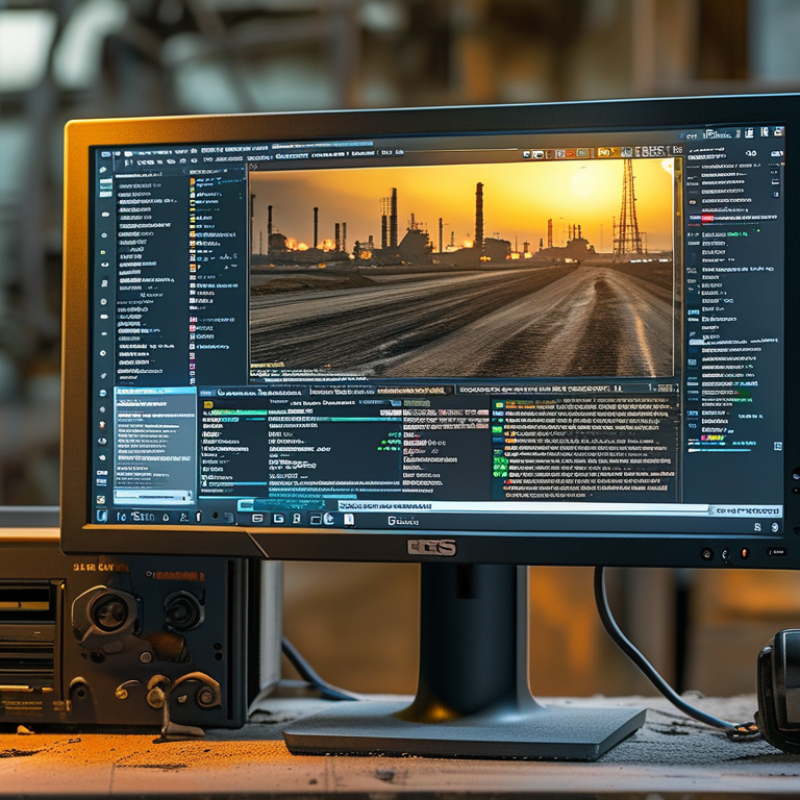
Understanding the Requirements for an Industrial PC Monitor
When choosing an industrial PC monitor, understanding your requirements is vital. Factors such as environmental conditions, size, and resolution must be considered. Industrial settings often expose monitors to dust, moisture, and extreme temperatures, which demand durability and specific features, such as IP ratings. For example, a study from Tech Research shows that 45% of industrial monitors fail due to inadequate environmental protection. Selecting monitors with robust enclosures and anti-glare screens can significantly reduce failure rates.
Another important aspect is screen size and resolution. In manufacturing, clarity of information and visibility from different angles matter greatly. An appropriate size can enhance productivity. A report from Display Industry Insights indicates that productivity can increase by up to 30% with monitors offering higher resolutions, allowing for clearer visuals and less strain on operators’ eyes. Consider displaying detailed graphs or complex data, which might necessitate larger screens.
Evaluate your connectivity needs as well. A versatile monitor with multiple input options ensures compatibility with diverse systems. Think about the future; technology evolves rapidly. Investing in a monitor that supports both legacy and current interfaces can save costs down the line. Reflecting on these factors will lead to a more informed decision, tailored to your unique industrial needs.
Evaluating Display Specifications and Performance Characteristics
When choosing an industrial PC monitor, focusing on display specifications is crucial. Resolution plays a key role in visual clarity. Higher resolutions offer sharper images, making it easier to view details. Consider your workspace and how far the monitor will be viewed. A 4K monitor may be excellent for close-up inspections, but a lower resolution might suffice for general tasks.
Color accuracy is another vital aspect. Monitors with high color fidelity are essential for tasks that rely on precise visuals. Look for models that can reproduce a wide color gamut. This ensures your graphics are vivid and true to life. Reflect on whether your applications require such detail. If you deal with graphics frequently, investing in a monitor that excels in color reproduction is worthwhile.
Viewing angles can impact user experience. A monitor with poor viewing angles can distort images when viewed from the side. Consider your work habits and whether multiple viewers are common. Additionally, response time and refresh rate matter in dynamic environments. You may find that a fast refresh rate improves the overall experience, especially in high-energy situations. Evaluate your specific needs to find the best fit.
Performance Characteristics of Industrial PC Monitors
Assessing Environmental Factors and Durability Needs
When selecting an industrial PC monitor, environmental factors are crucial. Various settings have different conditions, such as temperature, humidity, and exposure to dust or chemicals. An industrial setting may experience temperature fluctuations between -20°C to 60°C. Hence, monitors should withstand these extremes.
Durability is also vital. According to industry reports, over 30% of monitor failures occur due to environmental factors. Look for monitors with high ingress protection (IP) ratings. A rating of IP65 or higher indicates resistance to dust and water. This is especially important in sectors like manufacturing, where spills or dust accumulation can occur frequently.
The use of robust materials is equally necessary. Monitors made with reinforced glass or specialized coatings enhance durability. Vibration can lead to internal failures, so consider monitors designed to manage shocks. Reports indicate that 15% of equipment downtime is due to monitor failures; investing in a durable monitor can yield long-term savings. Balancing these factors is essential for optimal performance in demanding environments.
How to Choose the Best Industrial PC Monitor for Your Needs? - Assessing Environmental Factors and Durability Needs
| Monitor Size | Resolution | Brightness (cd/m²) | Contrast Ratio | Operating Temperature (°C) | Ingress Protection Rating |
| 15 inch | 1024 x 768 | 400 | 1000:1 | -20 to 60 | IP65 |
| 21.5 inch | 1920 x 1080 | 500 | 3000:1 | -10 to 50 | IP66 |
| 24 inch | 2560 x 1440 | 600 | 4000:1 | 0 to 50 | IP67 |
| 27 inch | 3840 x 2160 | 800 | 5000:1 | -10 to 60 | IP68 |
Exploring Connectivity Options and Compatibility with Existing Systems
When choosing an industrial PC monitor, connectivity options play a crucial role. Many industries rely on various technologies. According to research by Technavio, the global industrial monitor market is expected to grow at a CAGR of over 6% from 2020 to 2024. This growth largely stems from the increasing demand for connectivity in industrial settings. Options such as HDMI, DisplayPort, and VGA can determine compatibility with existing systems. It's vital to assess which connections your current infrastructure supports.
Compatibility extends beyond physical connections. Consider the operating systems in use. A monitor that can't integrate smoothly with software may hinder workflow. Research by Grand View Research indicates that 29% of businesses face challenges due to compatibility issues. To minimize disruptions, always verify that your new monitor aligns with the software requirements of your existing systems.
In industrial environments, environmental factors are also essential. Monitors need to withstand conditions like heat, dust, and humidity. Some monitors offer rugged features to endure these challenges. However, not all monitors can meet these standards. It's crucial to evaluate manufacturer specifications and user reviews. Lack of attention to detail here can lead to equipment failure and operational downtime.
Budgeting and Cost Considerations for Industrial Monitors
When selecting an industrial PC monitor, budgeting is a crucial factor. Prices vary widely based on features. A basic monitor may start around a few hundred dollars, while advanced models can cost thousands. Define your budget early. Consider what features are essential for your operations. Higher resolution, brightness, and durability typically raise costs significantly.
Keep in mind that investing in quality often pays off. A reliable monitor can enhance productivity and reduce long-term expenses. Look for monitors with a good warranty and solid customer support. These add value and reliability to your purchase.
Evaluate your needs against cost. Sometimes, it’s worth spending more for a robust model. Think about the environment where the monitor will be used. Industrial settings may require specific enhancements, adding to the price. Prioritize features that genuinely align with your operations, and don’t shy away from asking for expert advice.